Designing Customer Onboarding for Scale: Why Your Front Line Should Be Selling, Not Typing
More onboarding volume should be good news for the people who meet customers. In many organisations, it simply means more data entry.
Which Customer Onboarding Model Scales Better?
Long before onboarding moved to mobile, banks and lenders faced a choice that shaped how their branches worked.
Some organisations treated the branch as the point of contact and very little else. The relationship officer met the customer, collected the documents and sent them on. Capture, data entry and validation happened somewhere else in a central processing centre, or with an operations team built for exactly that work.
Others gave the whole job to the branch. The same person who met the customer also keyed the details into the core system, checked the documents and chased whatever was missing.
The second model looks efficient on paper: one person, one place, no hand-off. In practice the two produced very different front lines. In the first, branch staff spent their time with customers, and the time saved turned into more accounts opened and more loans sourced. In the second, a growing share of the day went to clerical work, and every new lead added to it. The better a branch was at selling, the less time it had left to sell.
Why Does Mobile Onboarding Still Create Manual Work?
Mobile onboarding was a chance to revisit that decision. Many organisations made the second choice again without quite noticing.
The common design is a single app that carries the whole journey. The agent meets the customer, captures the documents, types in the details, waits for validations and external checks, and stays in the session until the application is approved and for a loan, sometimes until disbursement is confirmed. One person, one device, start to finish.
That is the branch does everything model, moved from a desk to a handset. The clerical work still sits with the person facing the customer. It has just become portable.
Why Do Organisations Keep This Model?
This design is not a careless mistake. It is simple to build. There is one application to maintain, one place to look when something goes wrong, and no hand off between teams to manage. For an organisation onboarding a modest number of customers it works well, and the case for anything more elaborate is weak.
The difficulty appears as volume grows, because the design ties together two things that grow at different rates: the capacity to meet customers, and the capacity to process what they hand over.
Which Onboarding Tasks Should Stay with the Front Line?
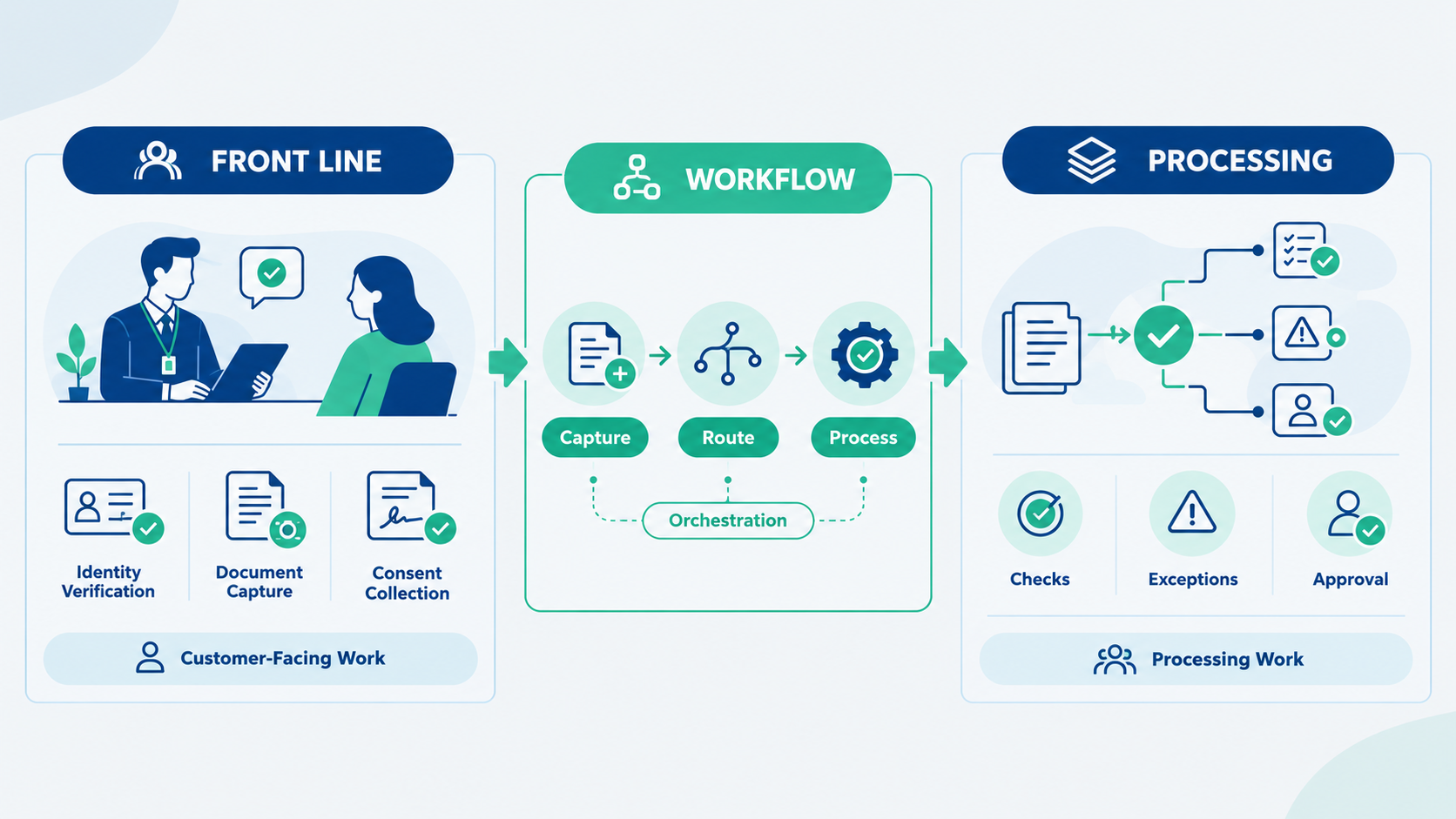
Onboarding contains two kinds of work. Some of it genuinely needs the customer present identifying them, capturing their documents, taking their consent, answering their questions. The rest does not checking details against other systems, reviewing exceptions, completing the record, moving the application through approval.
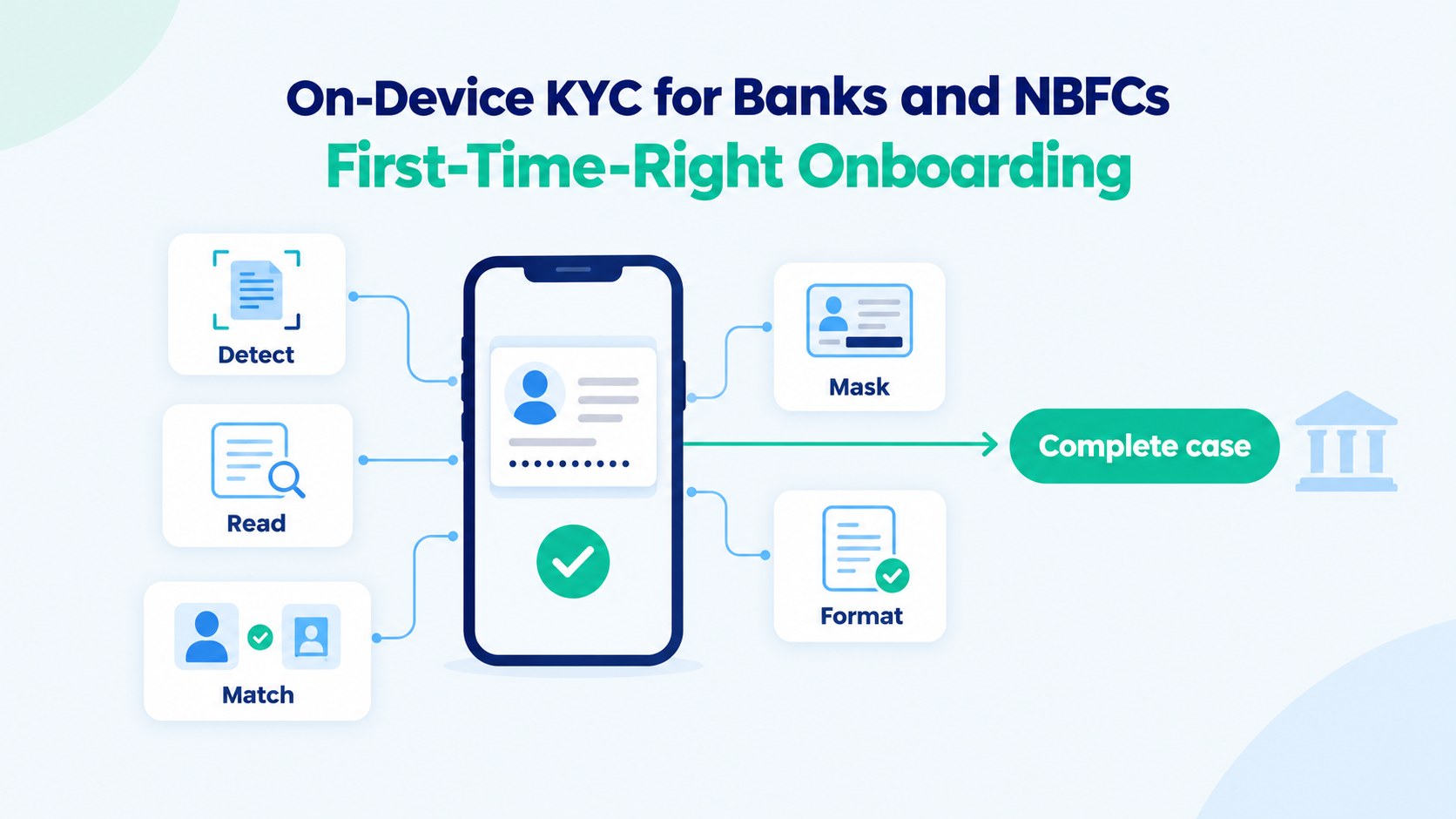
The front line should do the first kind and as little of the second as possible. In practice that means three things. Less typing: details should be read from the documents rather than keyed in. Checks that can be completed at capture are completed there, so a problem is fixed while the customer is still present rather than discovered a day later. And everything that depends on other systems or other people moves behind the front line, where it can be handled without holding anyone up.
What this asks of the organisation
This does not make the work disappear. It moves it, deliberately, to where it can be done best.
A back-office processing team handling applications at volume, with the right tools, does that work better than a field force fitting it in between customer meetings. It can be staffed for peaks. It builds expertise that a spread-out front line cannot. And the coordination between that team and the front line who does each step, in what order, and who can see what exactly what workflow orchestration exists to manage.
It does need operating discipline. Someone has to own the processing queue, the turnaround commitments, and the cases that come back for more information. Organisations that ran central processing in the paper era already know how to do this. The tools are different now. The principle has not changed: the people who meet customers should spend their time with customers.
Customer Onboarding FAQs
Why do customer onboarding teams struggle as application volumes grow?
As onboarding volumes increase, frontline teams often spend more time entering data, completing checks, and managing exceptions. When customer-facing and processing tasks sit with the same person, onboarding capacity becomes limited by administrative work rather than customer engagement.
What tasks in customer onboarding require customer interaction?
Activities such as identity verification, document capture, consent collection, and customer guidance typically require direct interaction. Tasks like data validation, cross-system checks, exception handling, and approval workflows can usually be completed without the customer present.
Why does digital onboarding still create operational bottlenecks?
Many digital onboarding processes replicate traditional branch workflows by placing the entire journey in a single application. While this simplifies implementation, it can increase agent workload and reduce the time available for customer acquisition and relationship building.
How can banks and NBFCs improve customer onboarding efficiency?
Banks and NBFCs can improve onboarding efficiency by automating data capture, reducing manual entry, completing checks at the point of capture where possible, and moving processing activities to specialised operations teams equipped to handle volume.
What does a scalable customer onboarding operating model look like?
A scalable onboarding model separates customer-facing work from processing work. Frontline teams focus on acquiring and serving customers, while operations teams manage validations, approvals, and exceptions through clearly defined workflows and turnaround commitments.
Coming next
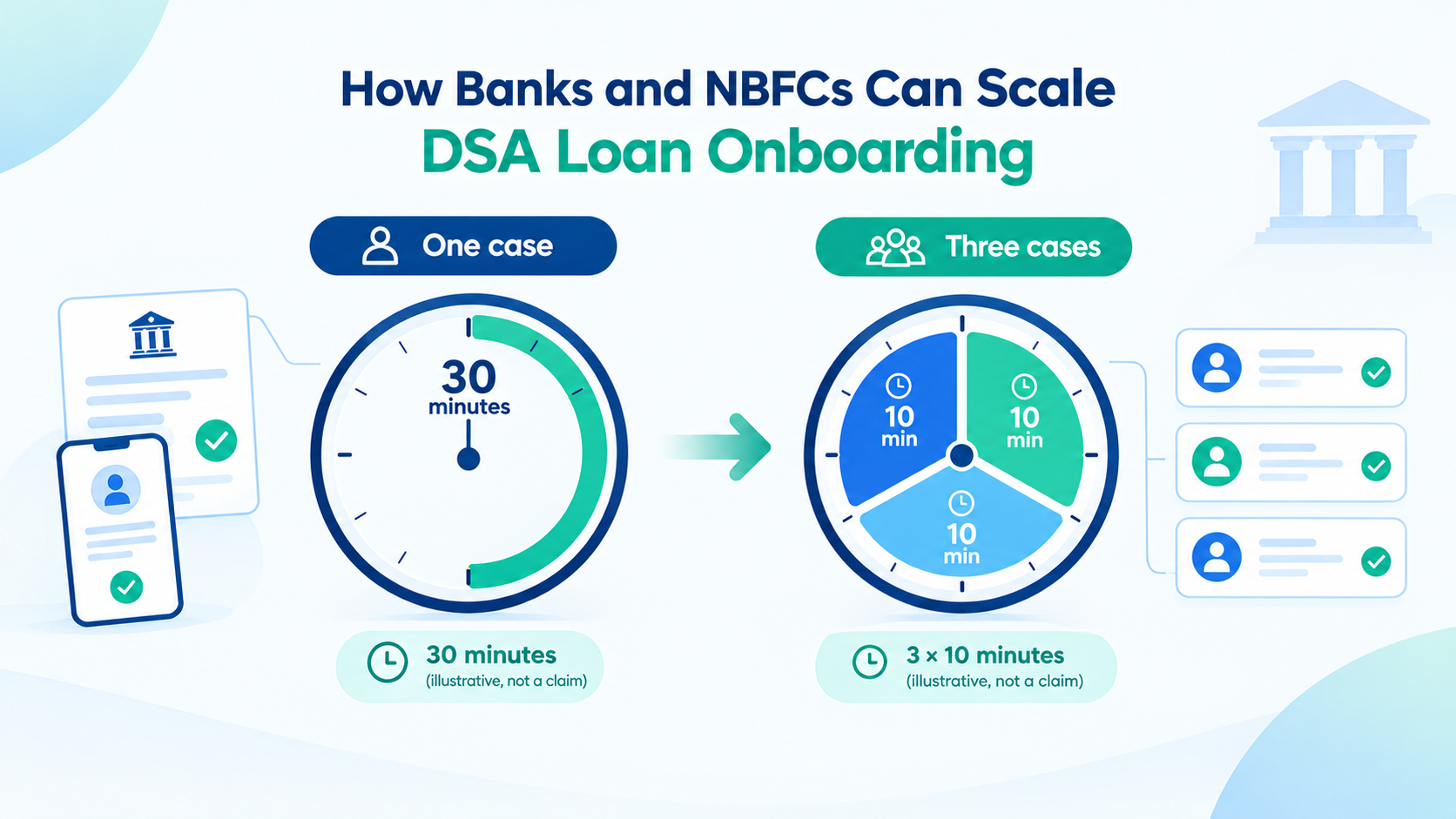
The cost of getting this wrong shows up most clearly in one number how long an agent spends on each case. In the next part of this series, we look at what happens when one onboarding app takes thirty minutes per customer and another takes ten, and why the people who notice first are the external agents deciding where to send their business.