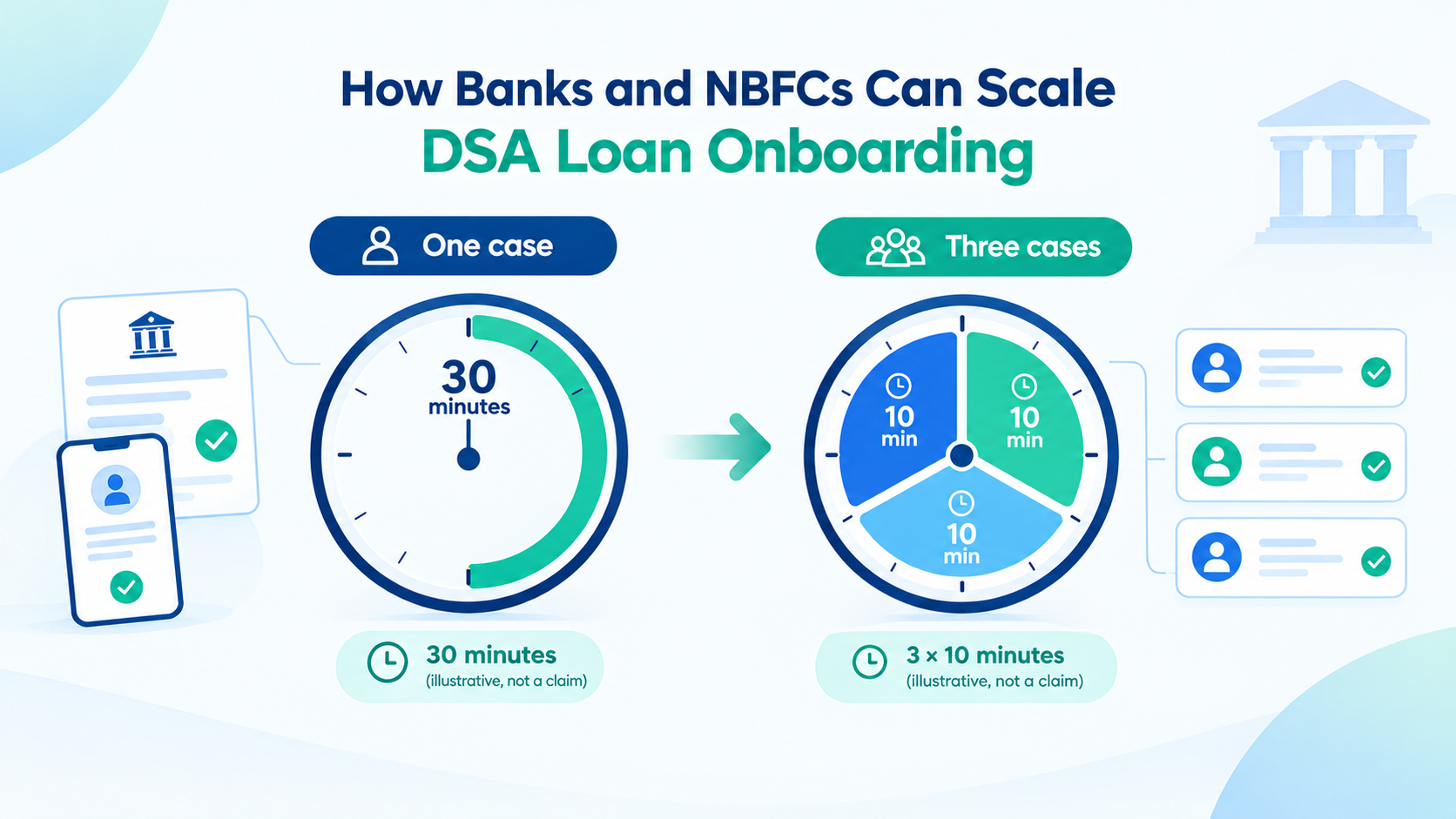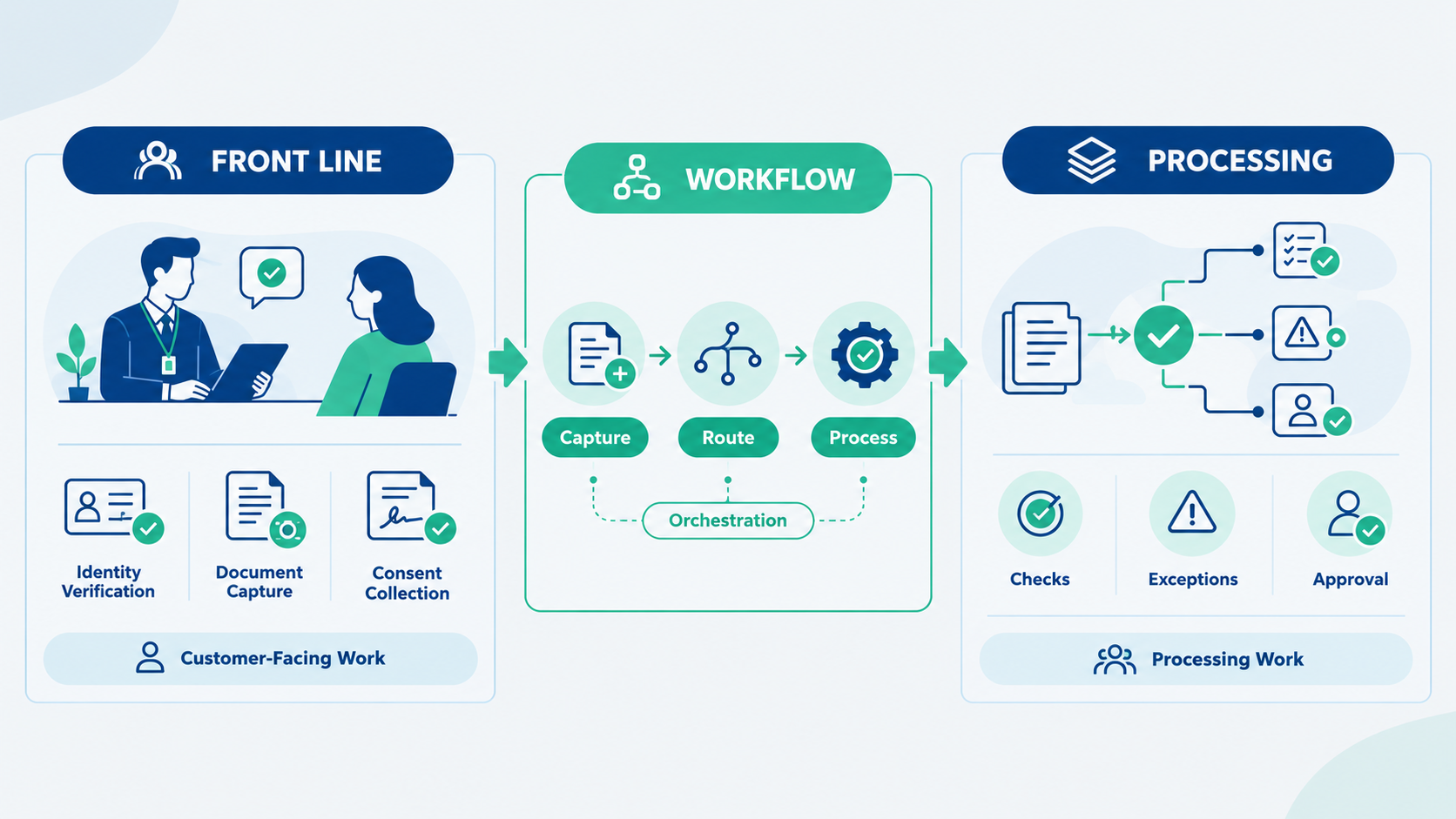
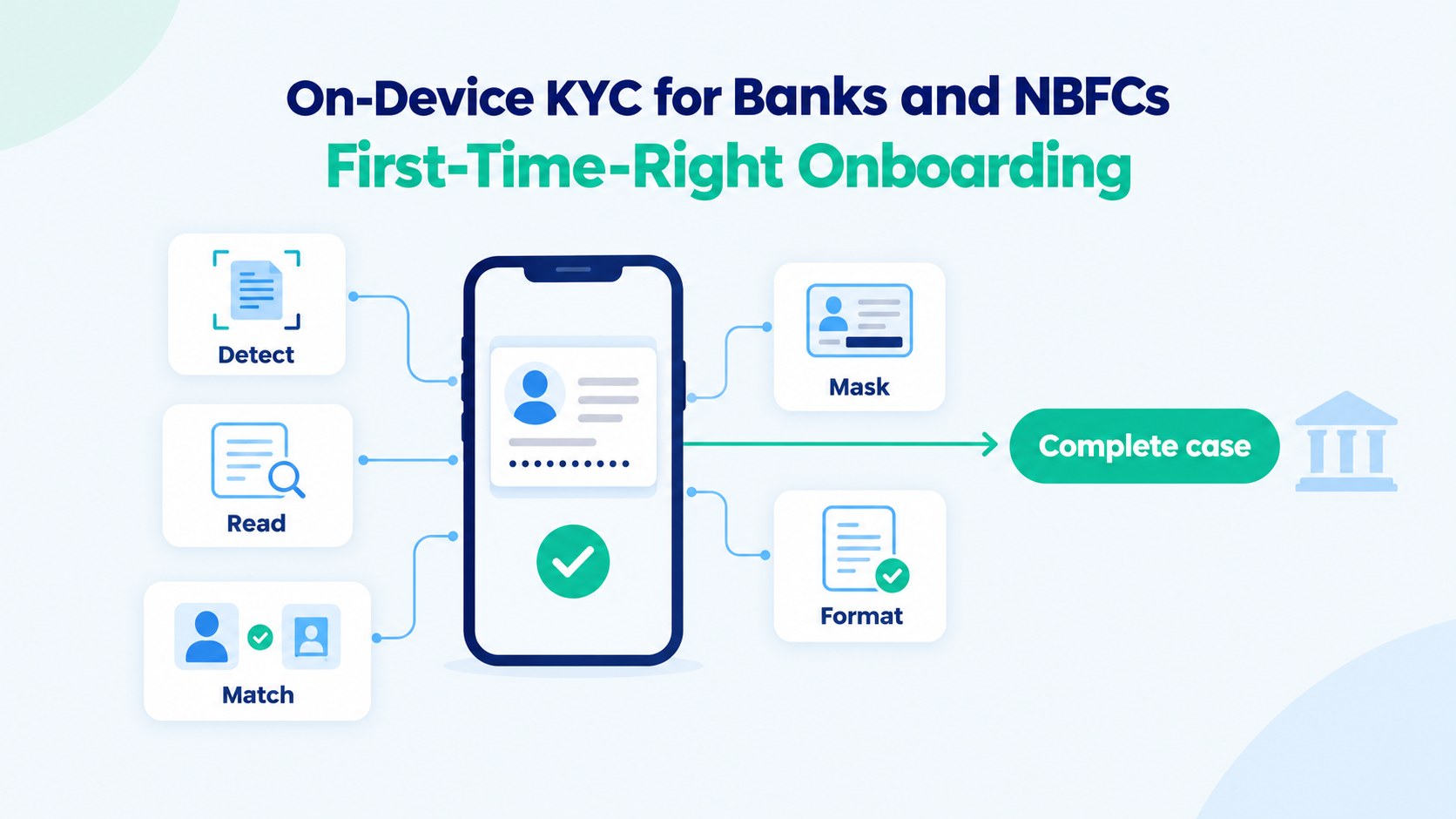
On-device KYC allows banks and NBFCs to perform document capture, image-quality checks, OCR, face matching, and Aadhaar masking directly on a mobile device. This series began with an operating choice: the people who meet customers should spend their time with customers, while processing belongs behind them. Part 2 showed the practical value: a ten-minute session instead of a thirty-minute one and an app that holds up during the festive season. This final part explains how on-device document processing makes that shorter session possible.
Why KYC onboarding cases require rework
Much of the rework in onboarding starts with something small at capture. A blurred or badly framed image. The wrong document photographed. A page missing. A detail typed incorrectly. None of it is noticed in the room, because nothing in the room is checking. It is found later, in the back office, and the case goes back to the agent who has to contact the customer again.
Each return costs a day or more, and some customers do not come back at all. Getting the case right the first time is not a matter of asking agents to be more careful. It means checking the work while the customer is still there to fix it.
Which KYC checks can run on a mobile device?
A modern phone can complete most of the capture-stage work itself, in seconds, without sending anything anywhere. In practice that covers:
Getting the image right.
Detecting the document in the frame, cropping it cleanly, checking quality, and compressing it to a sensible size so what is submitted is sharp, complete and easy to transmit.
Knowing what was captured.
Identifying which document has been photographed, so the wrong one is caught immediately rather than in the back office.
Reading it.
Extracting the details from the document with OCR, so the agent confirms what was read instead of typing it.
Checking the person.
Matching the customer’s photograph against the photograph on their identity document.
Protecting it.
Masking the Aadhaar number on the image before it leaves the phone, so the unmasked copy is never transmitted or stored.
Preparing it for where it is going.
Formatting images to the CKYC 2.0 image specification, and recording the customer’s location as a DIGIPIN India Post’s ten-character digital address code from the phone’s location.
Applying basic rules.
Confirming, for example, that every required document has been captured before the agent can submit.
None of these steps needs an API call. The agent sees the result straight away, and the customer can correct a problem while still holding the document.
Why on-device KYC can be faster than server processing
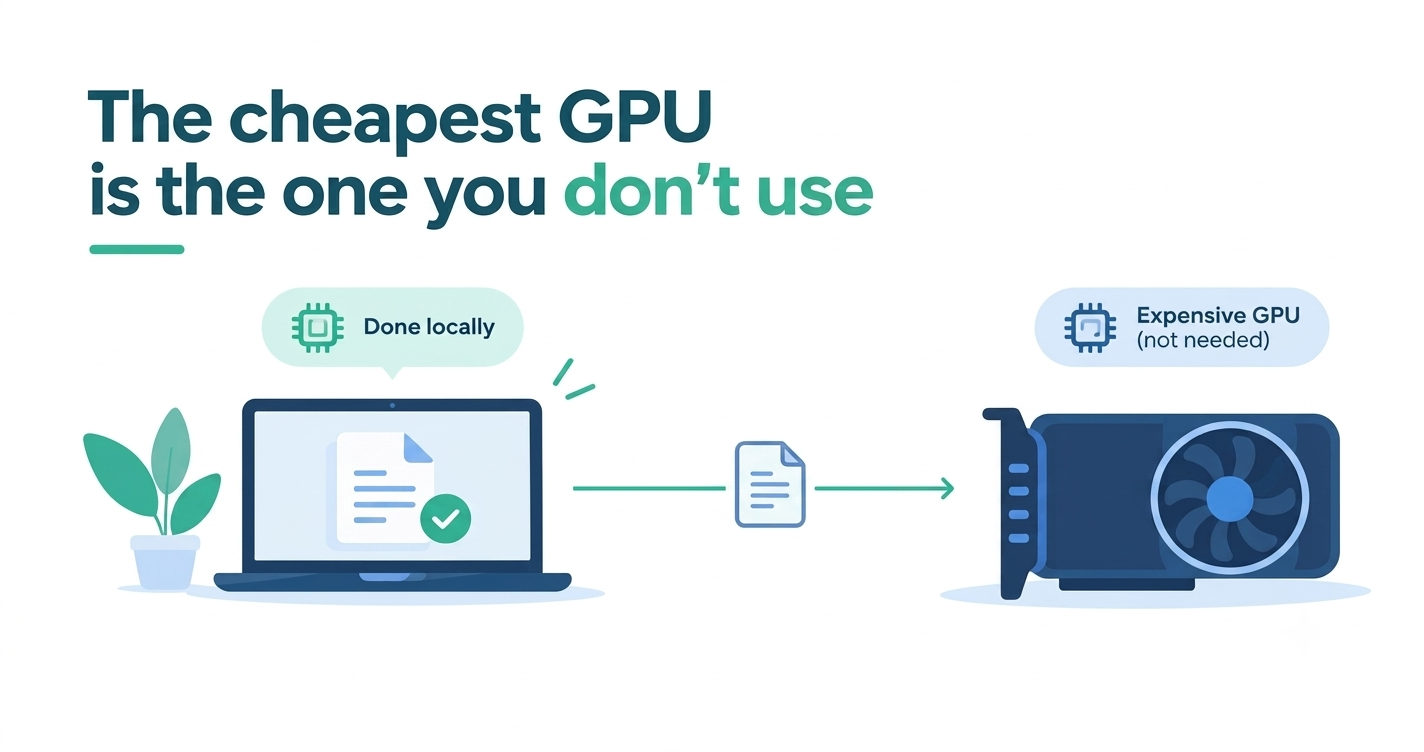
It is natural to assume that a server will always be quicker than a phone. For these steps, it often is not. Sending an image to a server means uploading it over whatever mobile connection the agent has, waiting for it to be processed, and waiting for the answer to come back. Processing on the device skips the journey entirely.
There are other gains. Fewer server calls mean less capacity to provision for peak periods — which matters for exactly the festive-season problem described in Part 2. And less sensitive data leaves the device, because the masked image is the only one that travels.
Which KYC processes still require the back end?
On-device processing does not replace the back end. It changes what reaches it. Registry and bureau checks, CKYC search and upload, deeper verification, approvals and the creation of the account or loan all continue behind the front line, run by the processing team and coordinated through workflow orchestration. The difference is that the case arriving there is complete, readable and correctly formatted so the back office spends its time on decisions, not on chasing corrections.
What on-device document processing requires
Running this work on a phone has its own demands. It has to perform on the wide range of devices agents actually carry, including modest ones, not only on the latest models. It has to stay within the memory a phone allows an app a limit that platforms are now tightening. And updates have to reach every device in the field reliably. These are solvable, but they need processing designed for the phone from the start, rather than a server model squeezed onto it.
On-device KYC solutions from Extrieve
Extrieve provides this in two forms.
A ready mobile onboarding app.For banks and NBFCs, the app gives field agents, DSAs and branch staff a short, guided session for loan and account onboarding, with the checks above running on the device. Completed cases are created in the existing loan origination system, CRM or core banking platform through Extrieve’s integration layer, and carried forward by the back-end processing and workflow.
A mobile SDK.For teams building their own onboarding apps, the same on-device capabilities document detection and cropping, image quality and compression, document identification, OCR and data extraction, face match, Aadhaar masking, CKYC 2.0 image formatting and DIGIPIN are available to embed. The SDK is already used by fintechs building onboarding products.
Either way, the processing runs on the phone’s own processor, with no GPU infrastructure involved.
Frequently asked questions
What is on-device KYC?
On-device KYC means running KYC document checks on the mobile phone at the moment of capture, before anything is sent to a server. Banks and NBFCs use it so field agents can check document images, read the details and verify the customer while the customer is still present.
Which KYC checks can run on a mobile device?
Most capture-stage checks can run on the phone. These include document detection and cropping, image quality checks and compression, document identification, OCR and data extraction, face match, Aadhaar masking, formatting to the CKYC 2.0 image specification, DIGIPIN location capture, and a check that every required document has been captured.
How does on-device KYC help first-time-right onboarding?
It catches problems while the customer is still present. A blurred image, the wrong document, a missing page or a typing error is flagged on the phone and corrected on the spot. Without it, these problems are found later in the back office and the case goes back to the agent.
How does on-device KYC protect Aadhaar data?
The Aadhaar number is masked on the image before it leaves the phone. Only the masked copy is sent onward, so the unmasked copy is never transmitted or stored. Because fewer checks need a server, less sensitive customer data leaves the device overall.
How can banks and NBFCs add on-device KYC to their onboarding?
Extrieve offers two options. A ready mobile onboarding app gives field agents, DSAs and branch staff a guided session with these checks running on the device. A mobile SDK lets teams build the same checks into their own onboarding apps. Both run on the phone’s own processor, with no GPU infrastructure.
Faster, first-time-right customer onboarding
Let the front-line sell. Keep the agent’s session to what genuinely needs the customer present. And do as much of that work as possible on the device, so each case arrives right the first time.
To see how this works for loan and account opening, visit our customer onboarding solution page. Or get in touch with our team to see it running on your own documents, and to talk through how your onboarding journey could be split between the front line and the back office.